数据库管理工具
| .vscode | ||
| docs | ||
| electron | ||
| public | ||
| scripts | ||
| src | ||
| .gitignore | ||
| app-icon.svg | ||
| index.html | ||
| localhost | ||
| package-lock.json | ||
| package.json | ||
| postcss.config.js | ||
| README.md | ||
| tailwind.config.js | ||
| tsconfig.json | ||
| tsconfig.node.json | ||
| vite.config.ts | ||

🗄️ EasySQL






✨ 特性
- 🚀 跨平台支持 - 基于 Electron,完美支持 Windows、macOS、Linux
- ⚡ 高性能 - 原生数据库驱动,毫秒级响应,虚拟滚动支持大数据量
- 🎨 现代化 UI - 简约清新的浅色主题,圆角设计,舒适的视觉体验
- 🔌 多数据库 - 支持 MySQL、PostgreSQL、SQLite、SQL Server、MongoDB、Redis、MariaDB 等
- 📝 智能编辑器 - 基于 Monaco Editor,SQL 语法高亮、智能补全
- 📊 数据编辑 - 双击单元格直接编辑,支持新增/删除行
- 🛠️ 表设计器 - Navicat 风格,可视化编辑字段、索引、外键
- 📤 导入导出 - 支持 JSON、Navicat NCX 格式连接配置(含密码解密)
🗃️ 支持的数据库
| 数据库 | 状态 | 驱动 |
|---|---|---|
| 🐬 MySQL | ✅ 完全支持 | mysql2 |
| 🐘 PostgreSQL | ✅ 完全支持 | pg |
| 💾 SQLite | ✅ 完全支持 | sql.js |
| 📊 SQL Server | ✅ 完全支持 | mssql |
| 🦭 MariaDB | ✅ 完全支持 | mysql2 |
| 🍃 MongoDB | ✅ 完全支持 | mongodb |
| ⚡ Redis | ✅ 完全支持 | ioredis |
| 🔶 Oracle | 🚧 计划中 | - |
| ❄️ Snowflake | 🚧 计划中 | - |
📸 界面预览
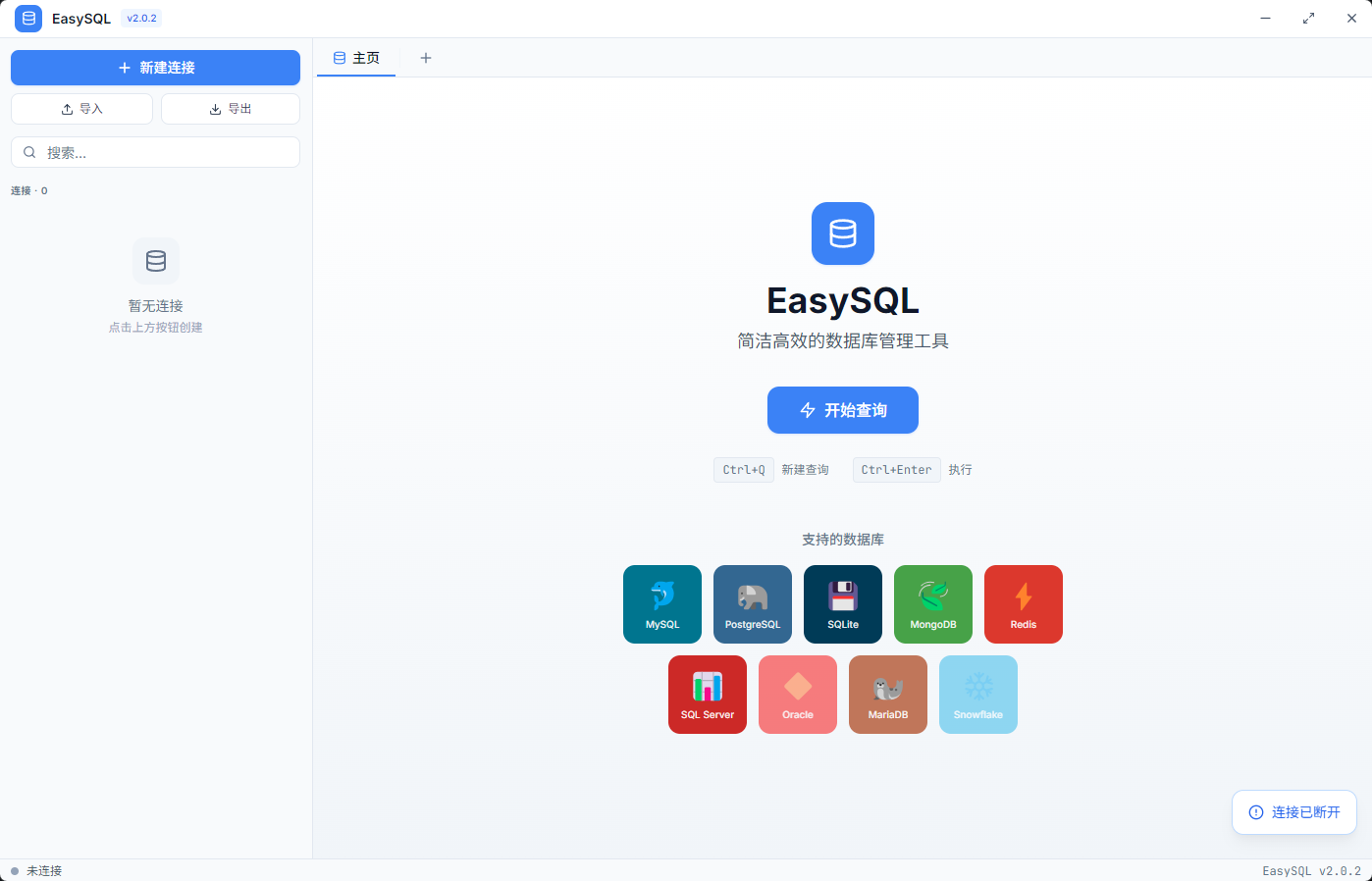
主页
简洁的欢迎界面,展示支持的数据库类型,快速开始查询。
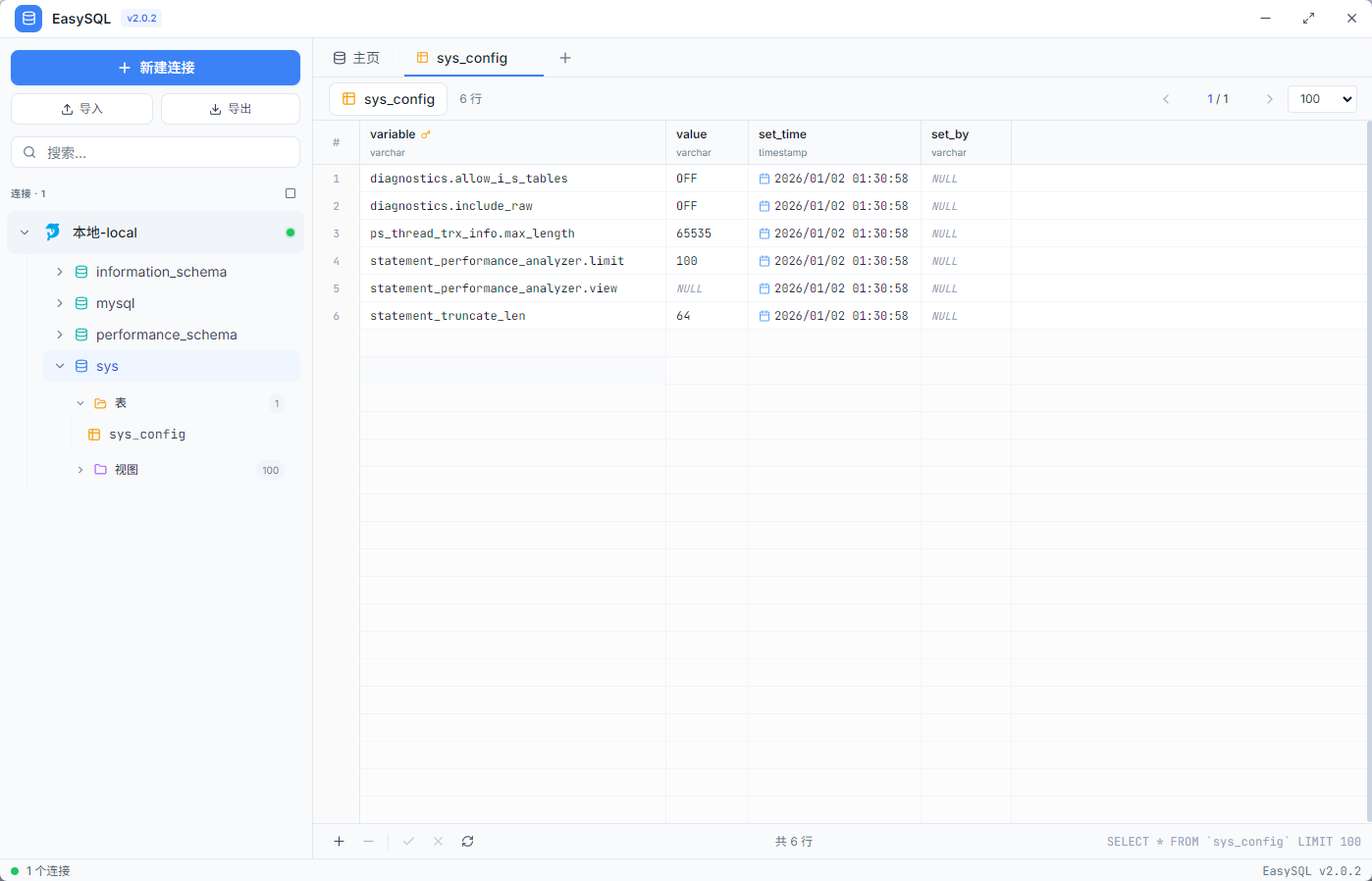
数据浏览
直观的数据表格视图,支持分页、排序,双击单元格可直接编辑数据。
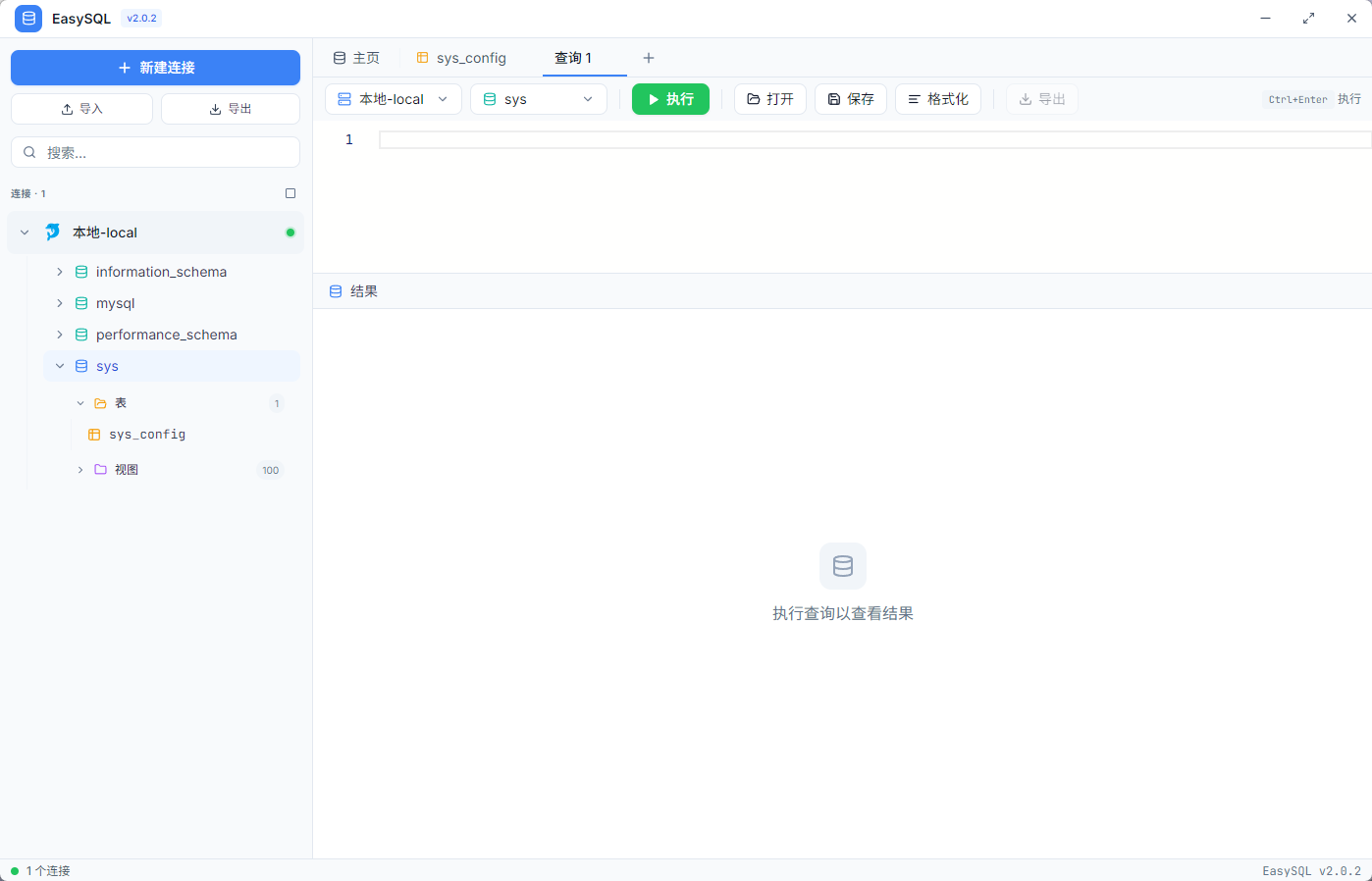
SQL 查询
强大的 SQL 编辑器,基于 Monaco Editor,支持语法高亮、代码补全、格式化。
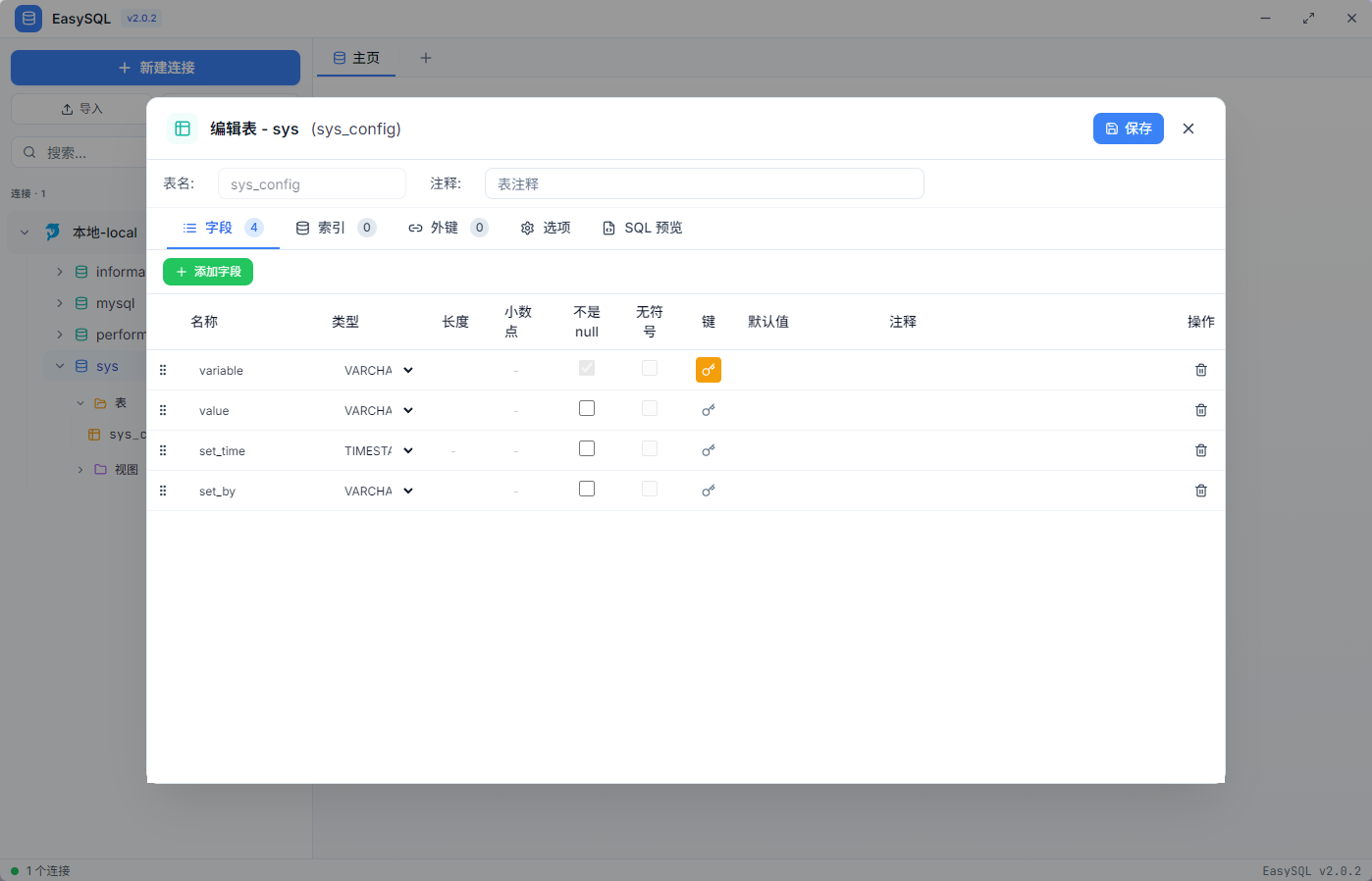
表设计器
Navicat 风格的表结构设计器,可视化管理字段、索引、外键、表选项。
🚀 快速开始
环境要求
- Node.js 18+
- npm 或 yarn
安装运行
# 克隆项目
git clone https://github.com/your-repo/easysql.git
cd easysql

# 安装依赖
npm install

# 开发模式运行
npm run electron:dev

# 构建应用
npm run electron:build
🛠️ 技术栈
| 类别 | 技术 |
|---|---|
| 运行时 | Electron 33 |
| 前端框架 | React 18 + TypeScript 5 |
| 样式 | Tailwind CSS 3 |
| 构建工具 | Vite 5 |
| 代码编辑器 | Monaco Editor |
| 数据库驱动 | mysql2, pg, sql.js, mssql, mongodb, ioredis |
⌨️ 快捷键
| 快捷键 | 功能 |
|---|---|
Ctrl+Q |
新建查询 |
Ctrl+Enter |
执行 SQL |
Ctrl+S |
保存修改 |
Ctrl+O |
打开 SQL 文件 |
Ctrl+Shift+F |
格式化 SQL |
Ctrl+W |
关闭当前标签 |
双击连接 |
快速连接数据库 |
双击单元格 |
编辑单元格数据 |
📁 项目结构
easysql/
├── electron/              # Electron 主进程
│   ├── main.js            # 主程序入口
│   └── preload.js         # 预加载脚本
├── src/                   # React 前端
│   ├── components/        # UI 组件
│   │   ├── Sidebar.tsx           # 侧边栏
│   │   ├── MainContent.tsx       # 主内容区
│   │   ├── SqlEditor.tsx         # SQL 编辑器
│   │   ├── VirtualDataTable.tsx  # 虚拟滚动表格
│   │   ├── TableDesigner.tsx     # 表设计器
│   │   └── ...
│   ├── lib/               # 工具库
│   └── App.tsx            # 应用入口
├── docs/                  # 文档和截图
└── package.json
🔧 配置说明
连接配置自动保存在用户配置目录:
| 系统 | 路径 |
|---|---|
| Windows | %APPDATA%\easysql\connections.json |
| macOS | ~/Library/Application Support/easysql/connections.json |
| Linux | ~/.config/easysql/connections.json |
📦 构建命令
# 开发模式
npm run electron:dev

# 构建(自动递增补丁版本)
npm run electron:build

# 构建(递增次版本)
npm run electron:build:minor

# 构建(递增主版本)
npm run electron:build:major
🤝 贡献
欢迎提交 Issue 和 Pull Request!
📄 License
Made with ❤️ by EasySQL Team